HP Poly Edge E400/450/500/550 Wall Mount Bracket – more space, better organisation, a professional appearance
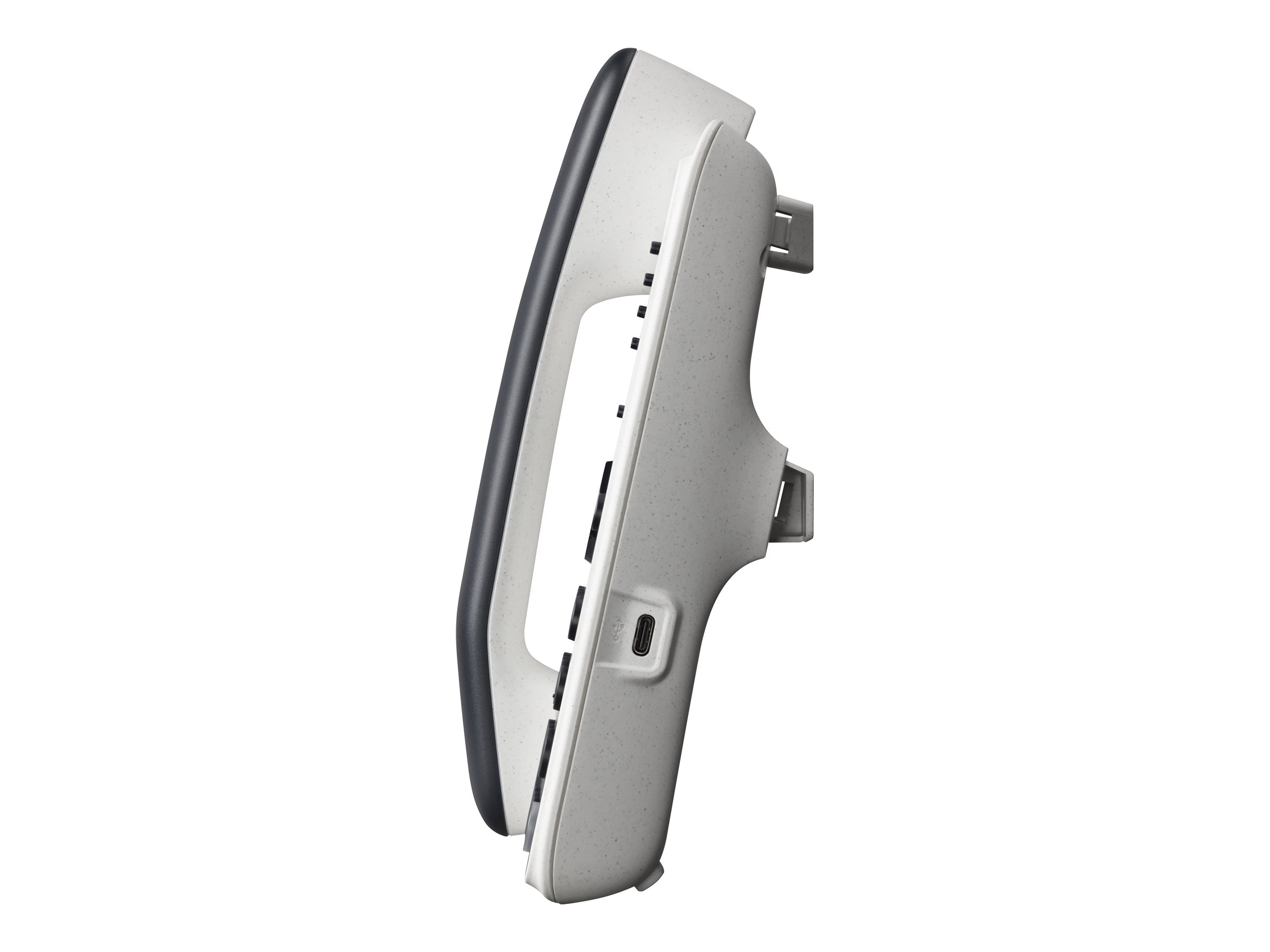
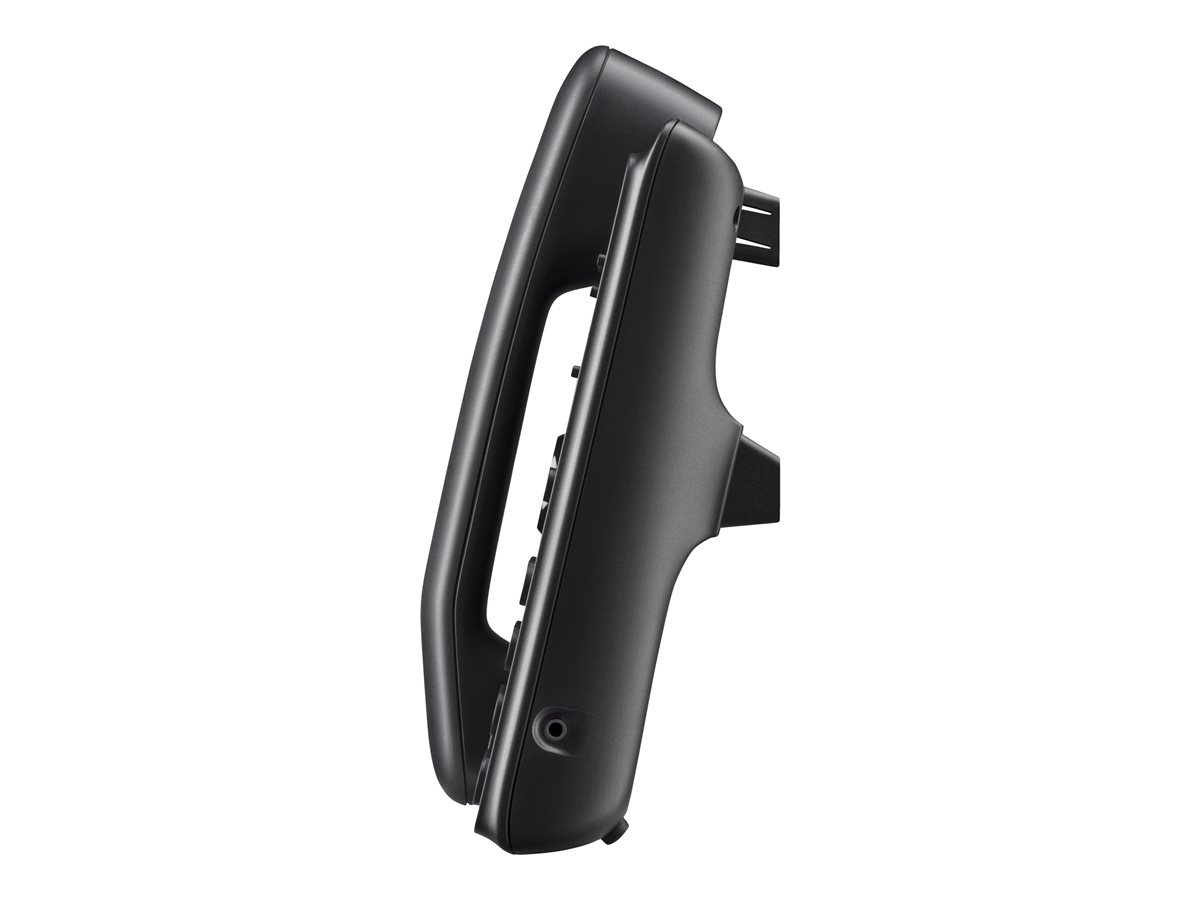
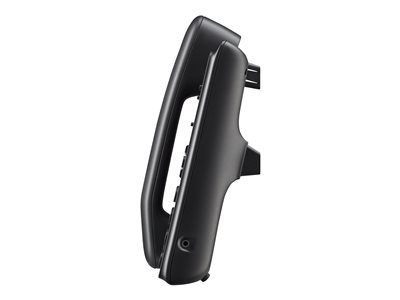
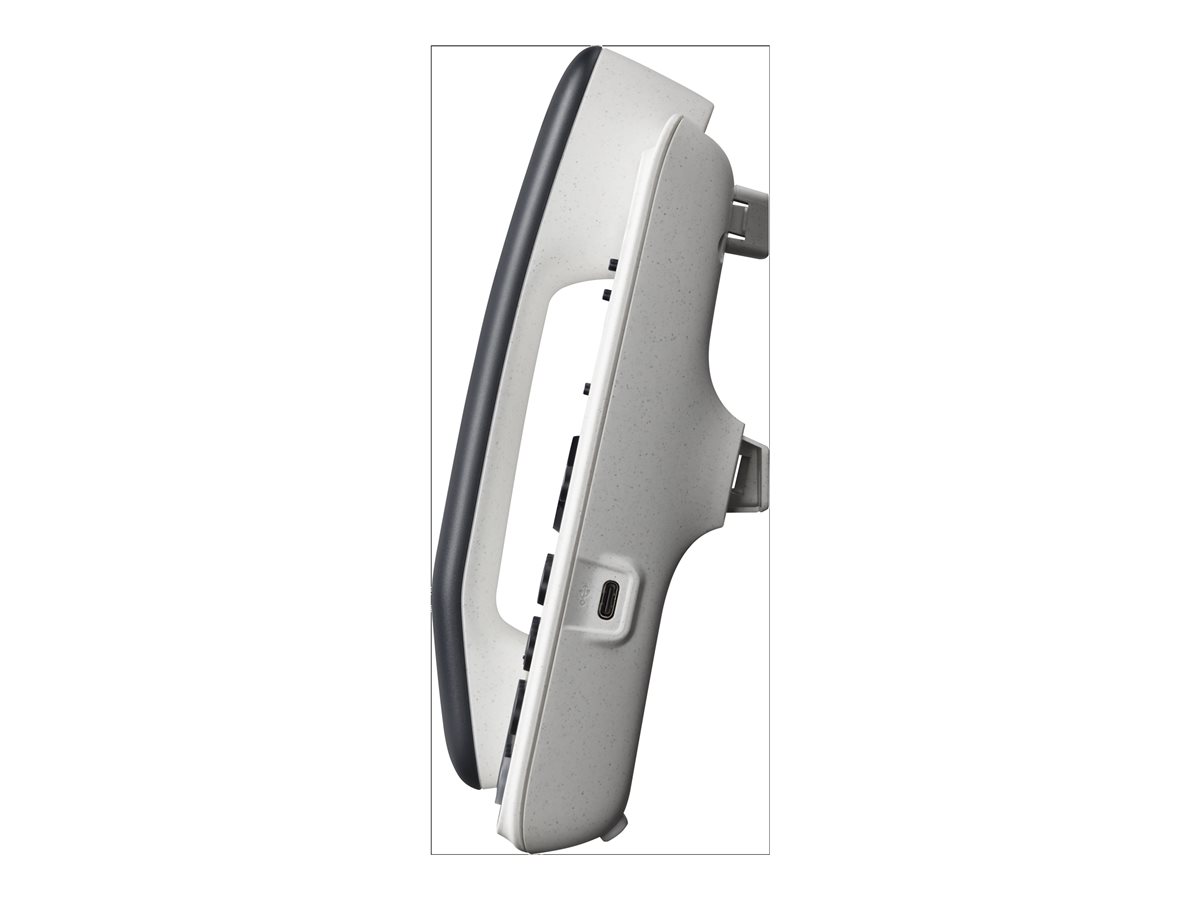
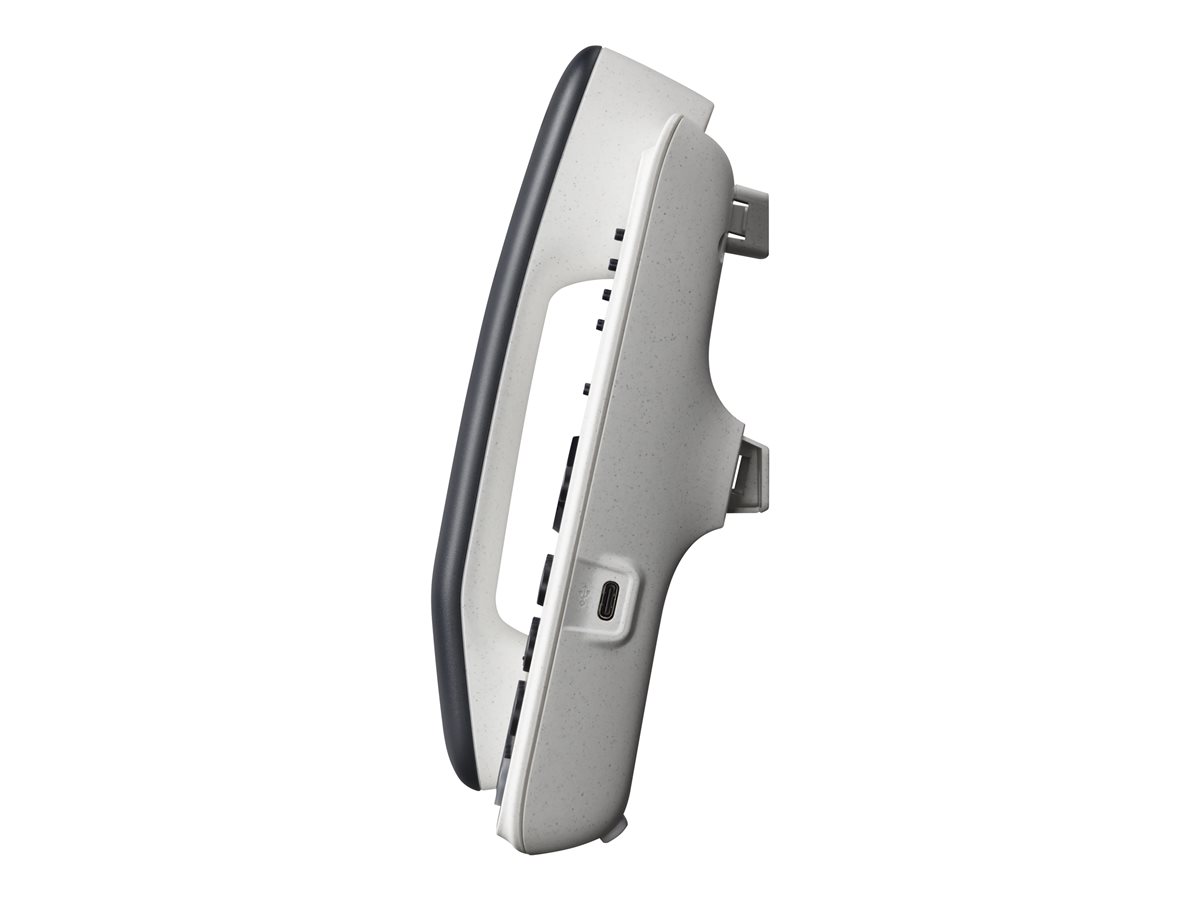
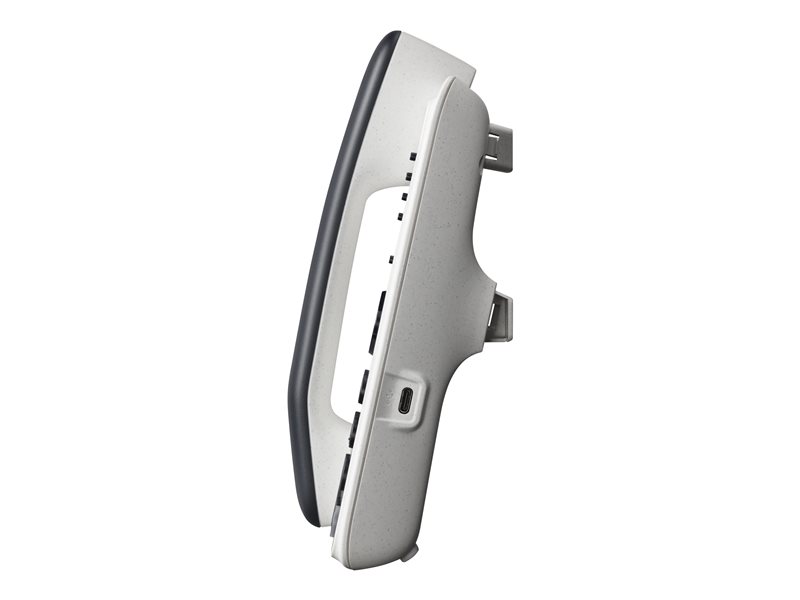
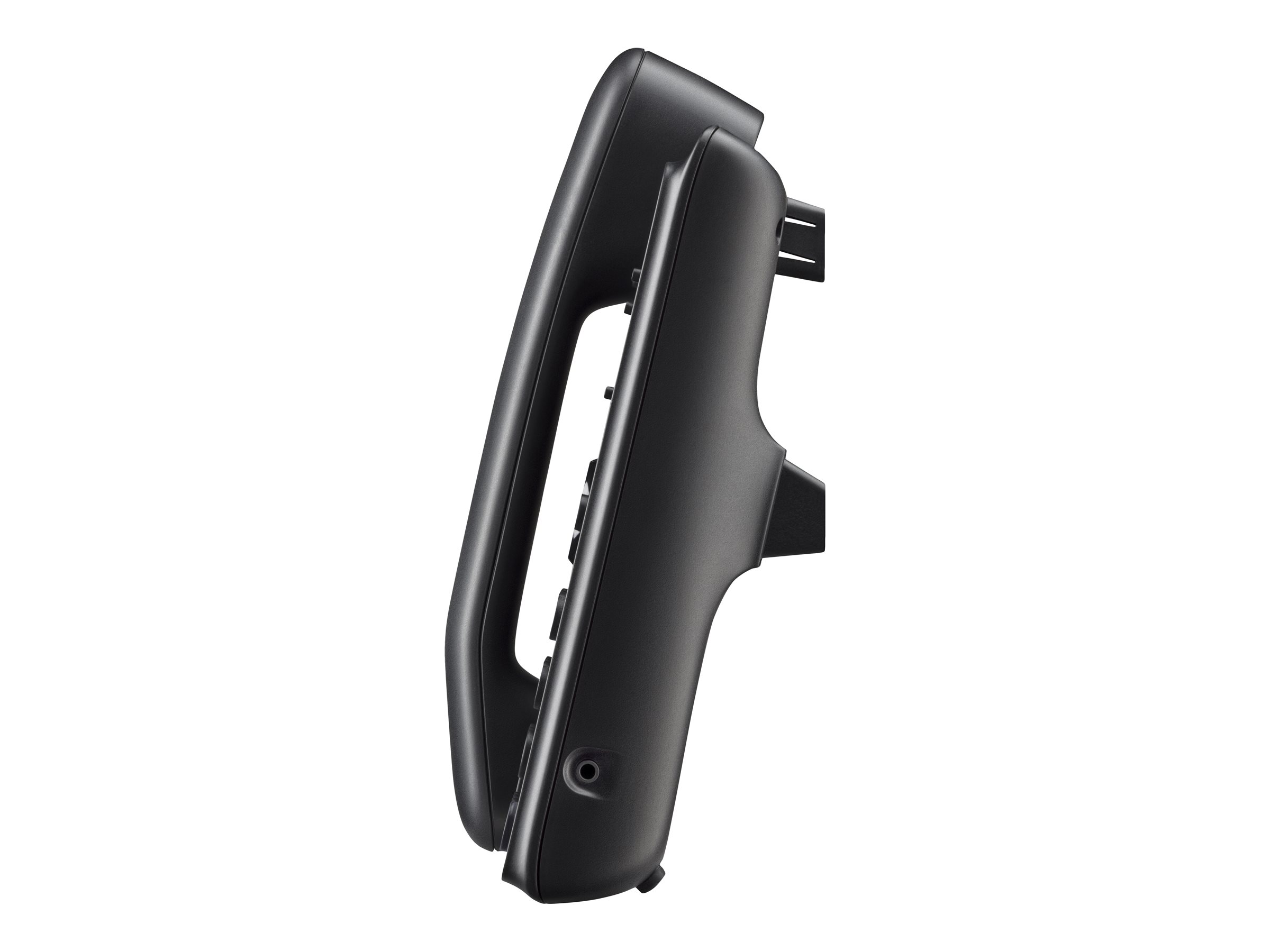
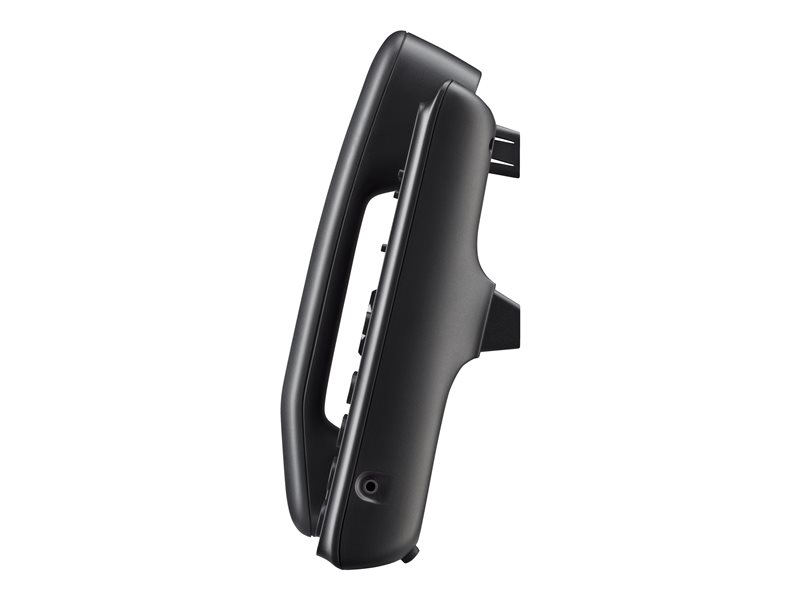
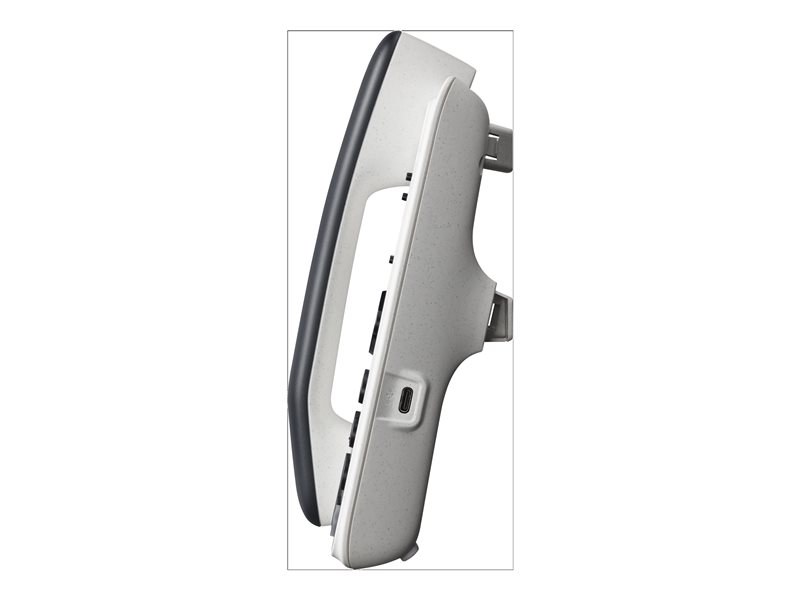
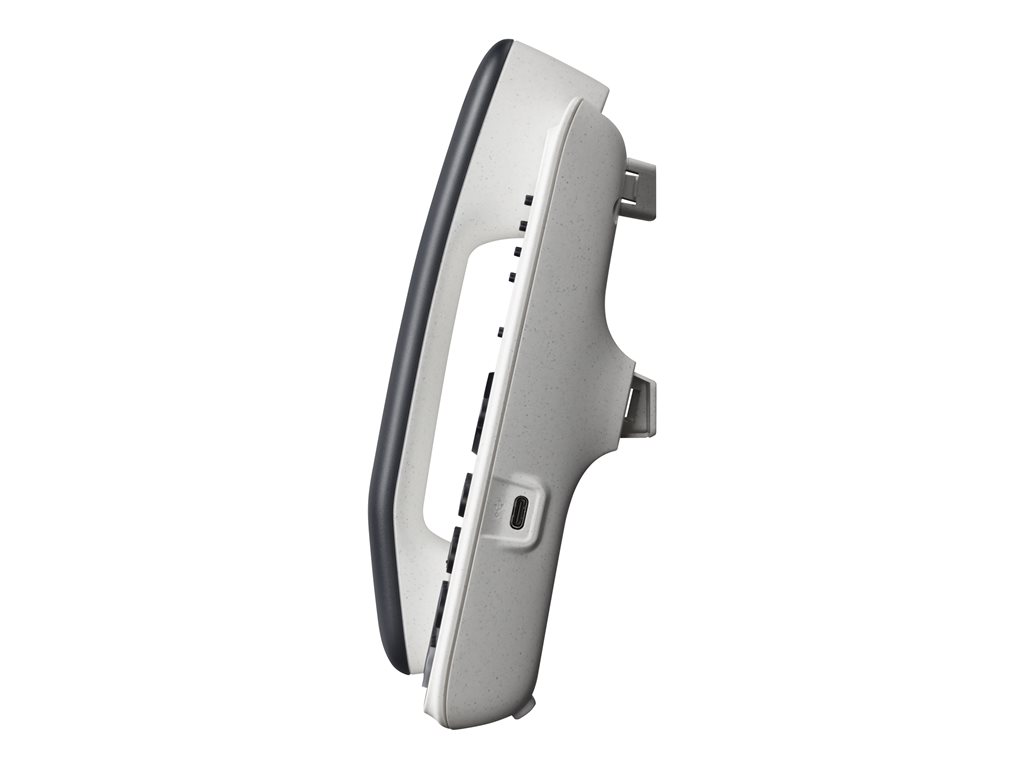
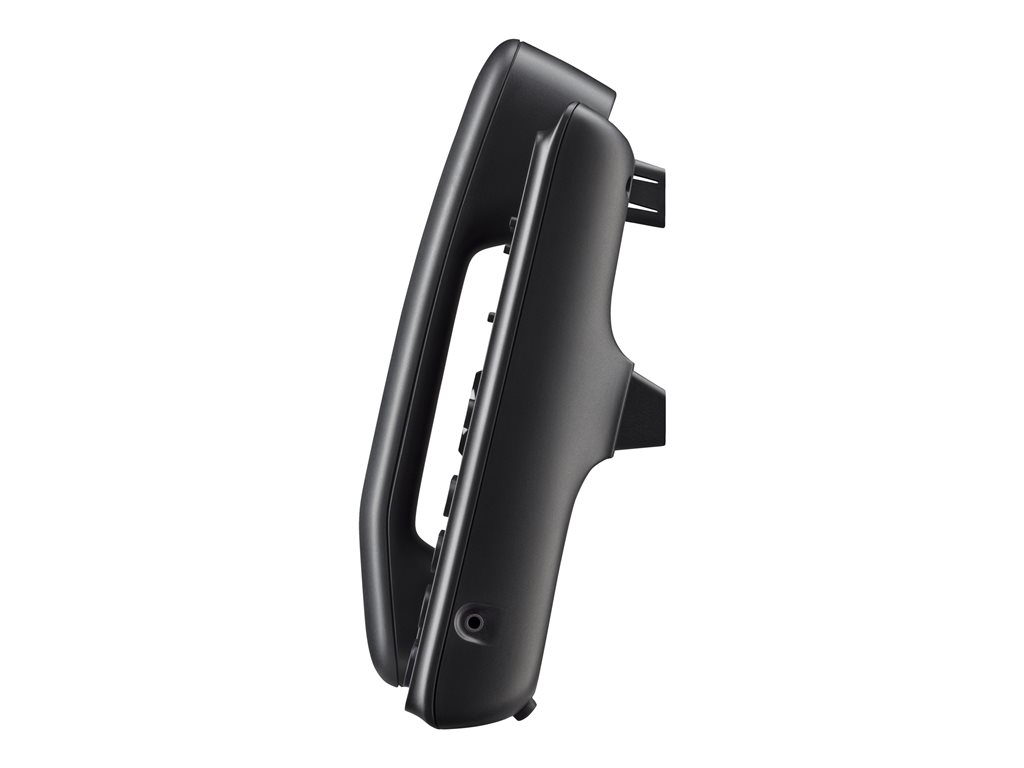
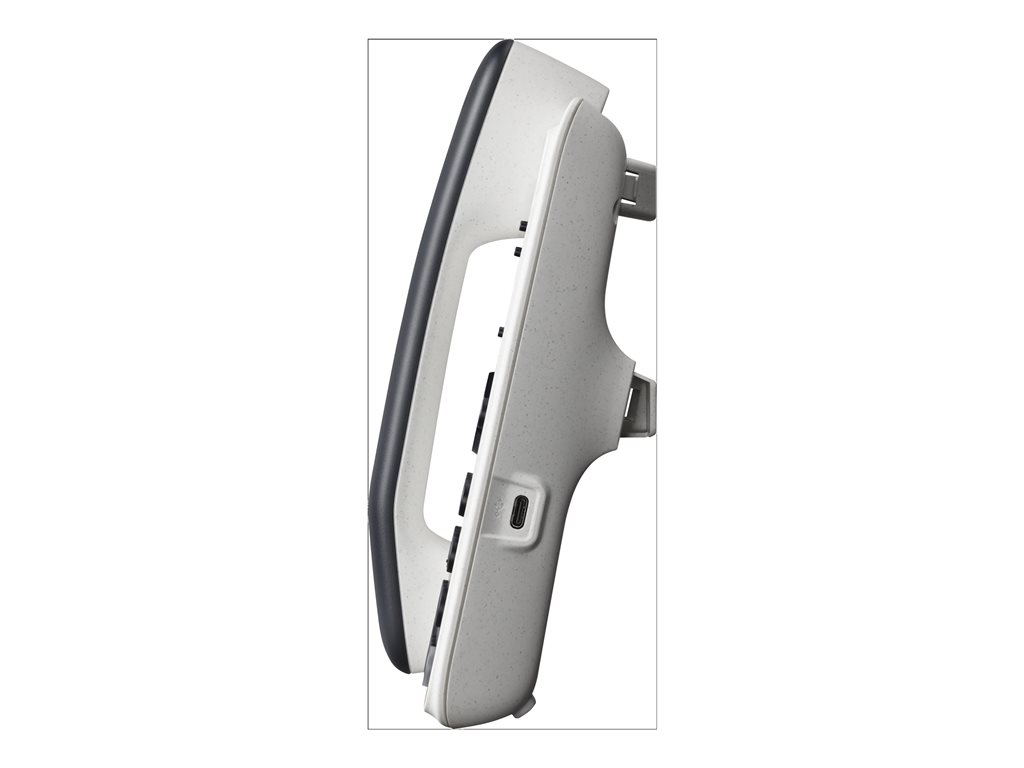
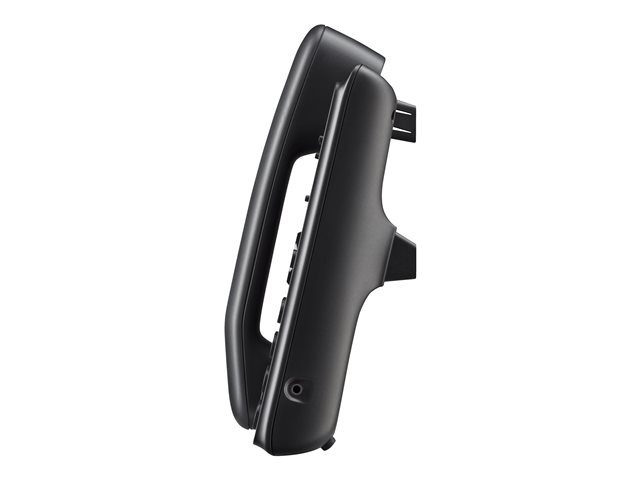
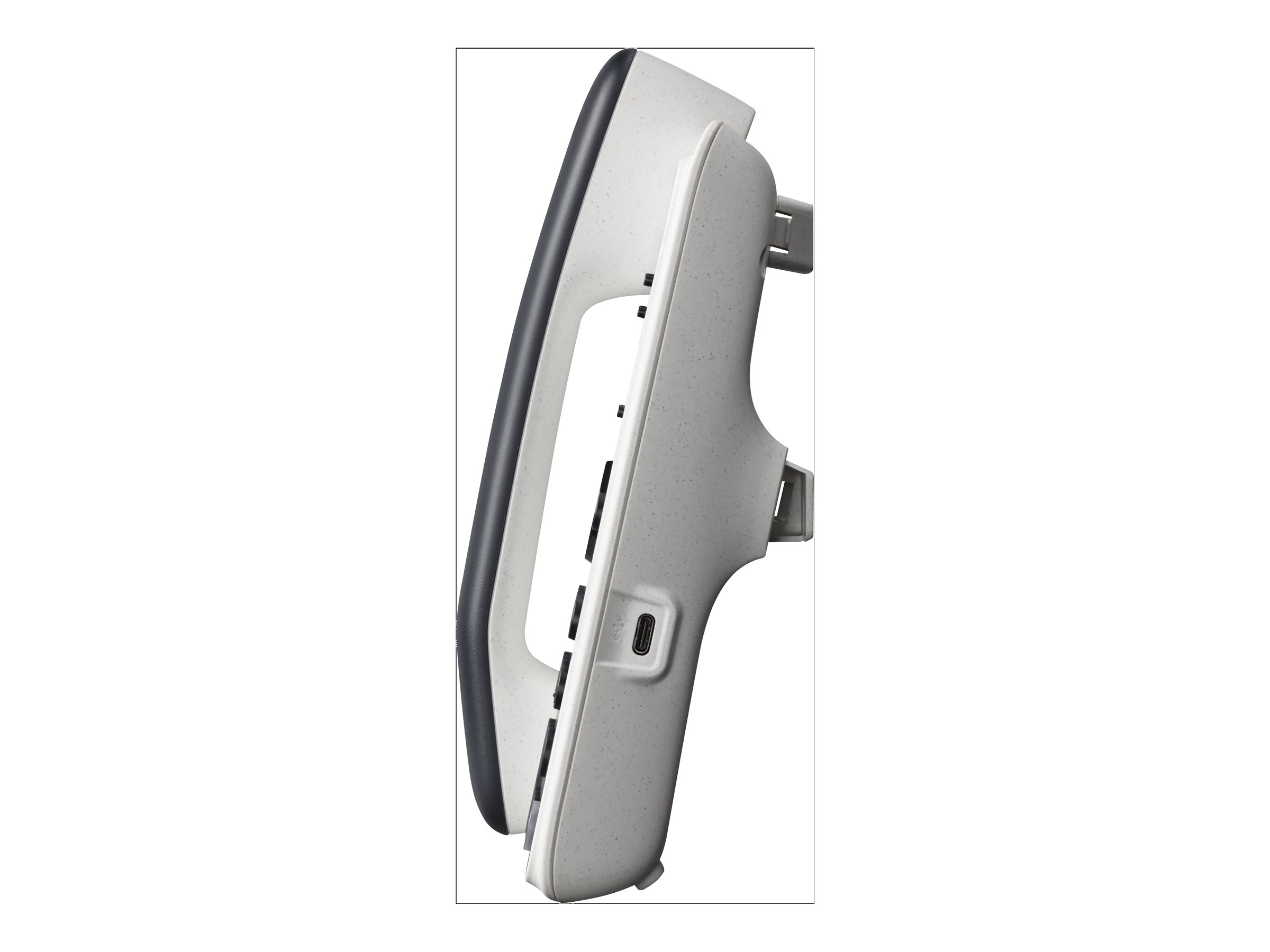
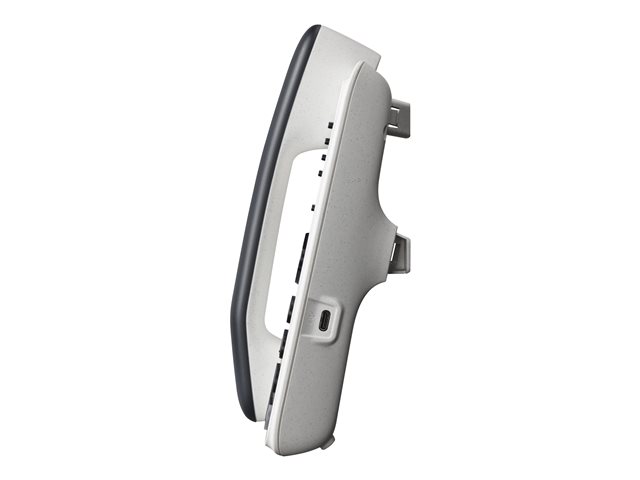
With the HP Poly Edge E400/450/500/550 Wall Mount Bracket, you can mount compatible Poly Edge desk phones neatly on the wall and free up valuable space on desks, reception counters or in treatment rooms. The solution is aimed at organisations that want a tidy working environment, reliable availability and a professional appearance in day-to-day operations.
Whether in the office, call centre, hotel or healthcare environment: wall mounting creates clear structures and supports efficient workflows – especially where every centimetre counts.
Product benefits
- Optimises the workplace: more free space on desks and counters for documents, POS or IT equipment.
- Professional installation: the phone is securely positioned and appears neatly integrated.
- Ideal for high-traffic areas: reduces the risk of slipping, tipping over or being accidentally pulled down.
- Supports structured workflows: the phone always remains in the same, easily accessible position.
- Precisely designed for Poly Edge series: suitable for the E400, E450, E500 and E550 models.
- Practical for changing users: particularly suitable for reception areas, hot-desking or service points.
- Helps enable tidy cable routing: contributes to a neat overall appearance in the working environment.
Description
The HP Poly Edge E400/450/500/550 Wall Mount Bracket is the right accessory if you want to use your Poly Edge phone on the wall rather than on a desk. This creates order, improves workplace ergonomics and ensures that the device remains reliably accessible even in dynamic environments – from reception areas to warehouse or workshop organisation.
Wall mounting is particularly worthwhile in areas with public access or limited storage space: the phone is quickly within reach, the workstation looks tidy and the surrounding area is easier to organise. This helps you maintain a professional impression while reducing everyday sources of disruption.
Use & tips
- Plan the mounting height so that operation and viewing of the display are comfortable.
- Choose a mounting location that is easy to reach and avoid areas with frequent collisions (e.g. door swing areas).
- Route cables so that there is no trip hazard or tensile strain – especially in walkways.
- Check in advance whether the phone model used belongs to the Poly Edge E400/450/500/550 series.
Notes
Installation should be carried out on a suitable, load-bearing surface and in accordance with the manufacturer’s instructions. If required, clean the bracket with a soft, slightly damp cloth and avoid aggressive cleaning agents. Please ensure compatibility with your specific Poly Edge device.
Order the HP Poly Edge E400/450/500/550 Wall Mount Bracket now and install your telephony solution neatly, space-savingly and professionally on the wall.
There are no reviews yet.
Produkt Rechte Seite
Produkt Rechte Seite
Produkt Rechte Seite
Produkt Rechte Seite

Produkt Rechte Seite
Produkt Rechte Seite
Produkt Rechte Seite
Produkt Rechte Seite
Produkt Rechte Seite
Produkt Rechte Seite
Produkt Rechte Seite
Produkt Rechte Seite
Produkt Rechte Seite
Produkt Rechte Seite
Produkt Rechte Seite
Produkt Rechte Seite
Produkt Rechte Seite
Produkt Rechte Seite
Produkt Rechte Seite
Produkt Rechte Seite
Produkt Rechte Seite
Produkt Rechte Seite
Produkt Rechte Seite
Produkt Rechte Seite
Produkt Rechte Seite
Produkt Rechte Seite
Produkt Rechte Seite
Produkt Rechte Seite
Produkt Rechte Seite
Produkt Rechte Seite
Produkt Rechte Seite
Produkt Rechte Seite

Produkt Rechte Seite
Produkt Rechte Seite
Produkt Rechte Seite
Produkt Rechte Seite
Produkt Rechte Seite
Produkt Rechte Seite
Produkt Rechte Seite
Produkt Rechte Seite

Produkt Rechte Seite
Produkt Rechte Seite
Produkt Rechte Seite
Produkt Rechte Seite
Produkt Rechte Seite
Produkt Rechte Seite
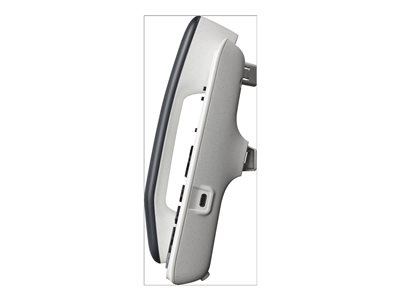
Produkt Rechte Seite
Produkt Rechte Seite

71034 Böblingen , Deutschland
E-Mail: ec.crc@hp.com